
Plugins
VRM Companion
Your Bot's character at a desk in a lo-fi study: it types while the Bot works, looks up while it thinks and turns to you to speak its replies.
Demo
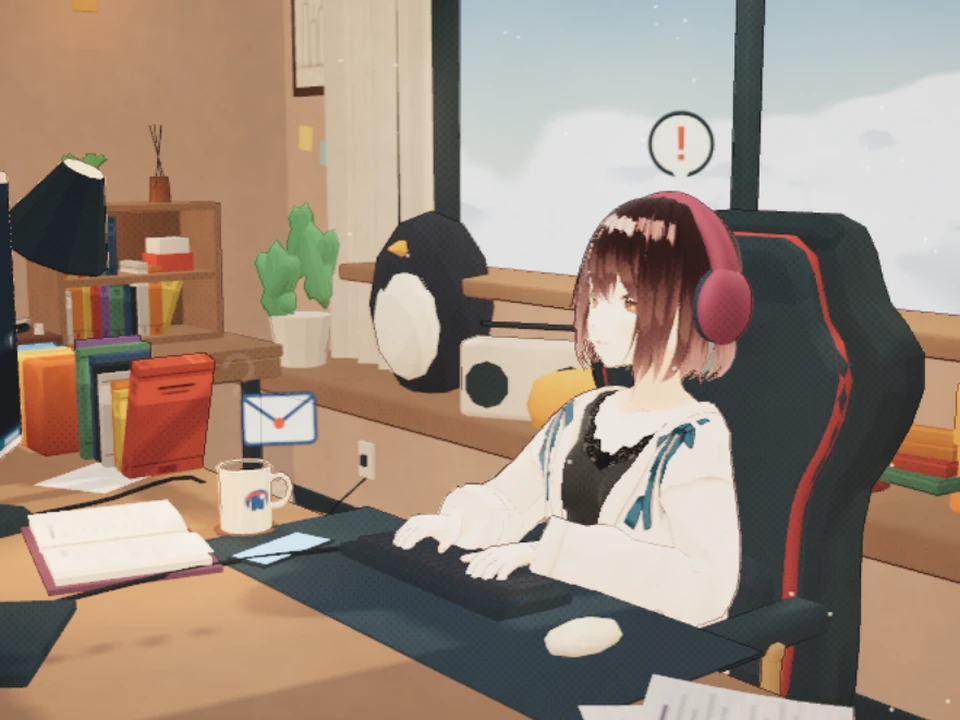
A new message: the phone lights up, an envelope pops out and a mark appears overhead 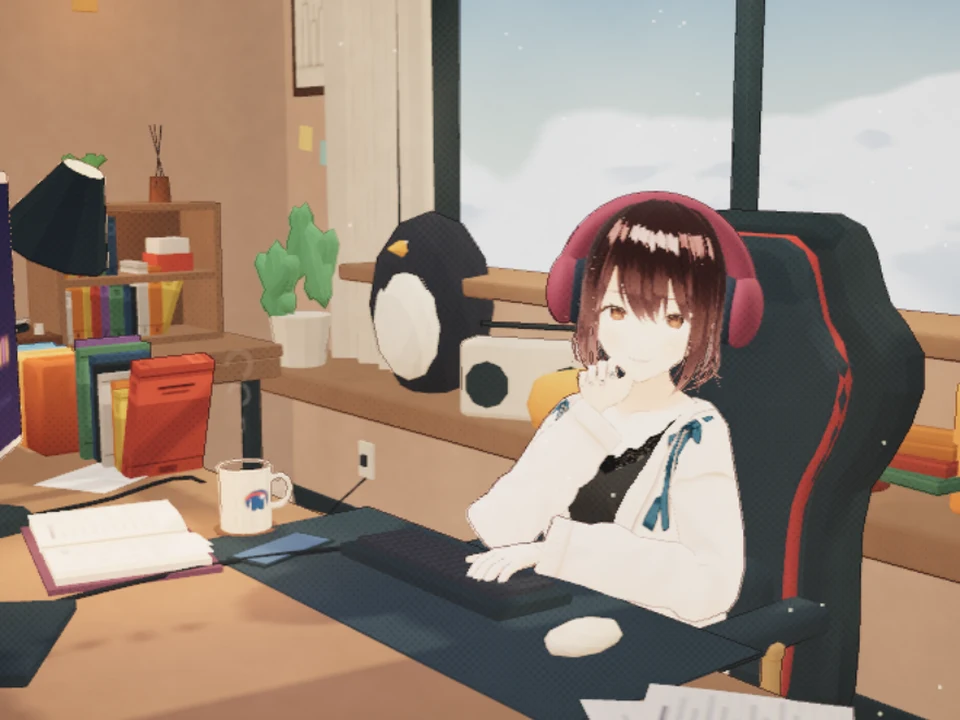
Resting its chin while the Bot is idle 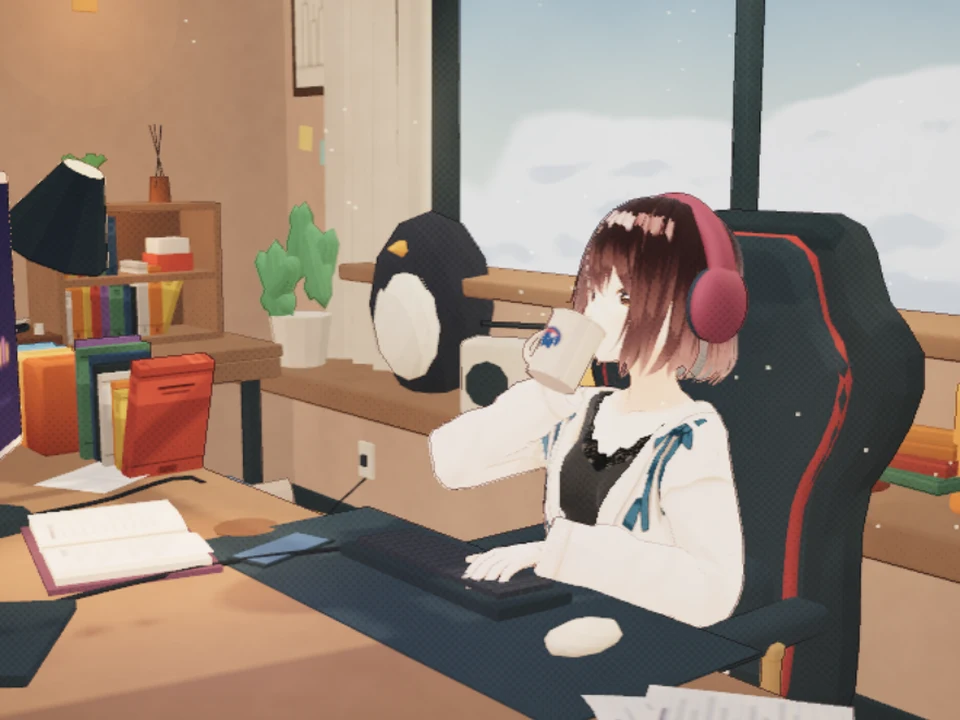
Taking a sip from the mug 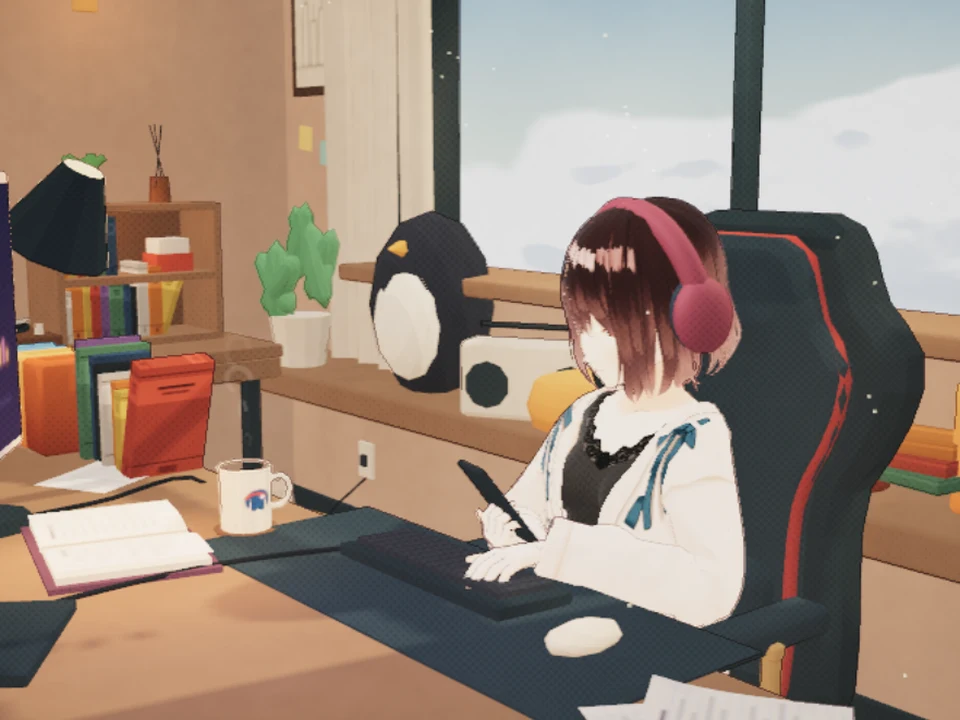
Checking the phone 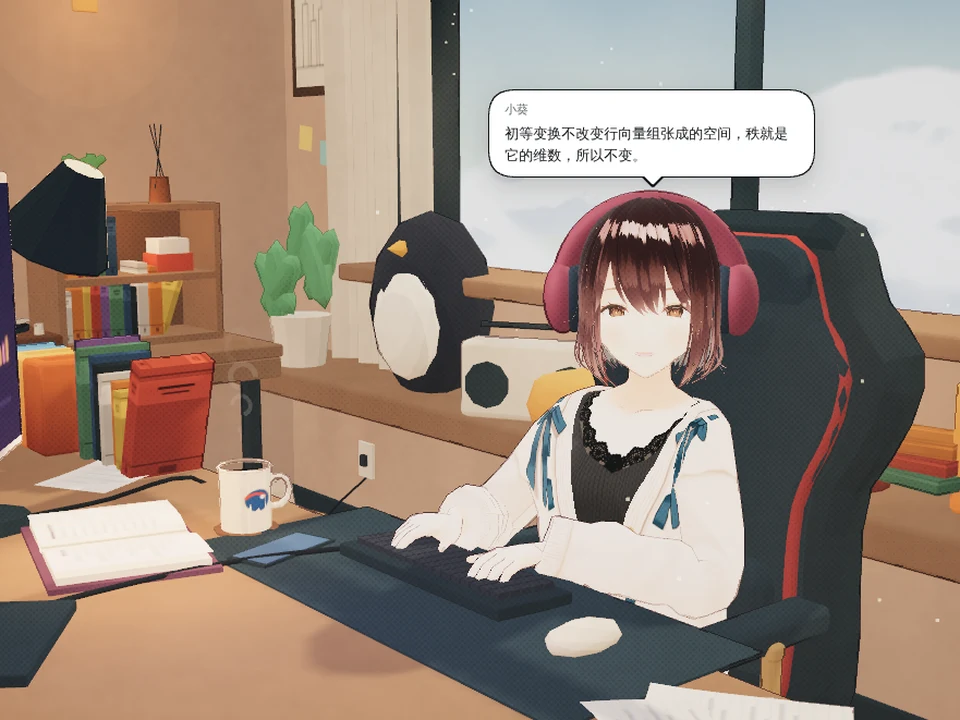
Replies appear one page at a time in a speech bubble 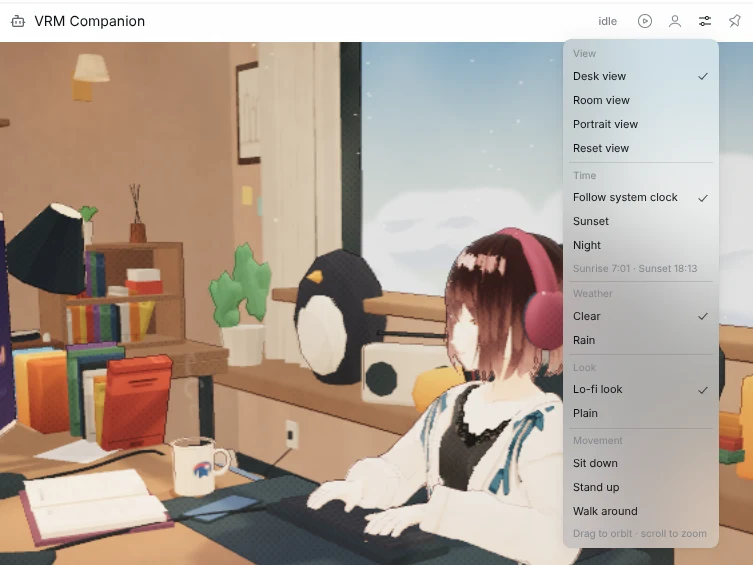
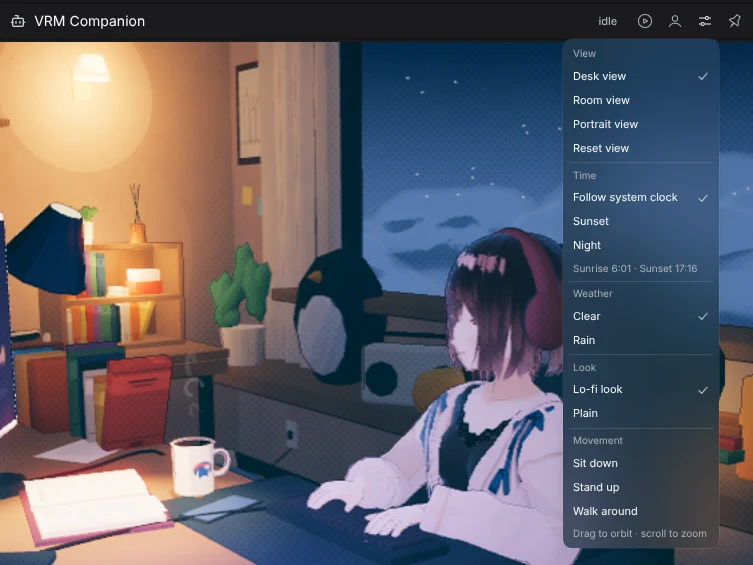
The Scene menu: view, time, weather, look and movement
About
VRM Companion is a Panel plugin for DeepSeekBot. The Bot's character sits at a desk in a lo-fi study room: it types while the Bot works, looks up while it thinks and speaks the Bot's sent replies in a speech bubble. Between tasks it sips coffee, rests its chin or checks its phone. Day, night and weather follow your local clock, and you can load your own .vrm character without uploading it. Panel text follows the app language in Chinese or English.
Usage
- In Bot mode, select a Bot DM.
- Open Messages if it is closed.
- Choose VRM Companion in the Messages header. The Panel opens beside the chat; drag the split between them to resize it.
- To keep a fixed instance for one Bot, click the pin (Pin character globally) in the Panel header.
Panel header
- Auto camera tour
- Plays or pauses a camera tour through desk, portrait, wide, over-the-shoulder and room shots. Dragging the camera pauses it for 20 seconds.
- Character
- Change character… loads a
.vrmfrom your computer (VRoid / VRM 0.x or VRM 1.0), Use default switches back, and MToon / lilToon switches the shading. - Scene
- View (desk, room, portrait), Time (local time, sunset, night), Weather (clear, rain), Look (lo-fi or plain) and Movement (sit down, stand up, walk around).
- Pin character globally
- Pins the current Bot as its own Panel, which survives closing and reopening.
Use your own character
Your own character is kept in this browser's IndexedDB, survives reloads and is never uploaded. If the browser refuses to store it, it stays for the session and the Panel says so.
Performance
- Targets 60 fps during activity and drops to 30 fps while the character rests; under load it lowers the resolution step by step and recovers when the load eases.
- Shaders compile in parallel on first open to reduce loading stalls.
- When software rendering is detected, a still image keeps the computer from staying under heavy load; choose Show 3D anyway to enable 3D manually.
- The default character downloads only when a Panel first opens, so installing the plugin does not slow every page.
- Hidden Panels stop drawing.
Assets and licenses
- Source code: MIT.
- Default character: VRoid Project's AvatarSample_A. Its VRoid Hub conditions allow use, modification and redistribution without credit; it is not under the MIT license. The bundled copy only has its textures downscaled to 2048 px.
- Room furniture: KayKit Furniture Bits by Kay Lousberg, CC0.
- lilToon shader port: MIT, with third-party notices.