
BlogReleaseMobile BetaTobs
Tobs 1.5: Mobile Beta
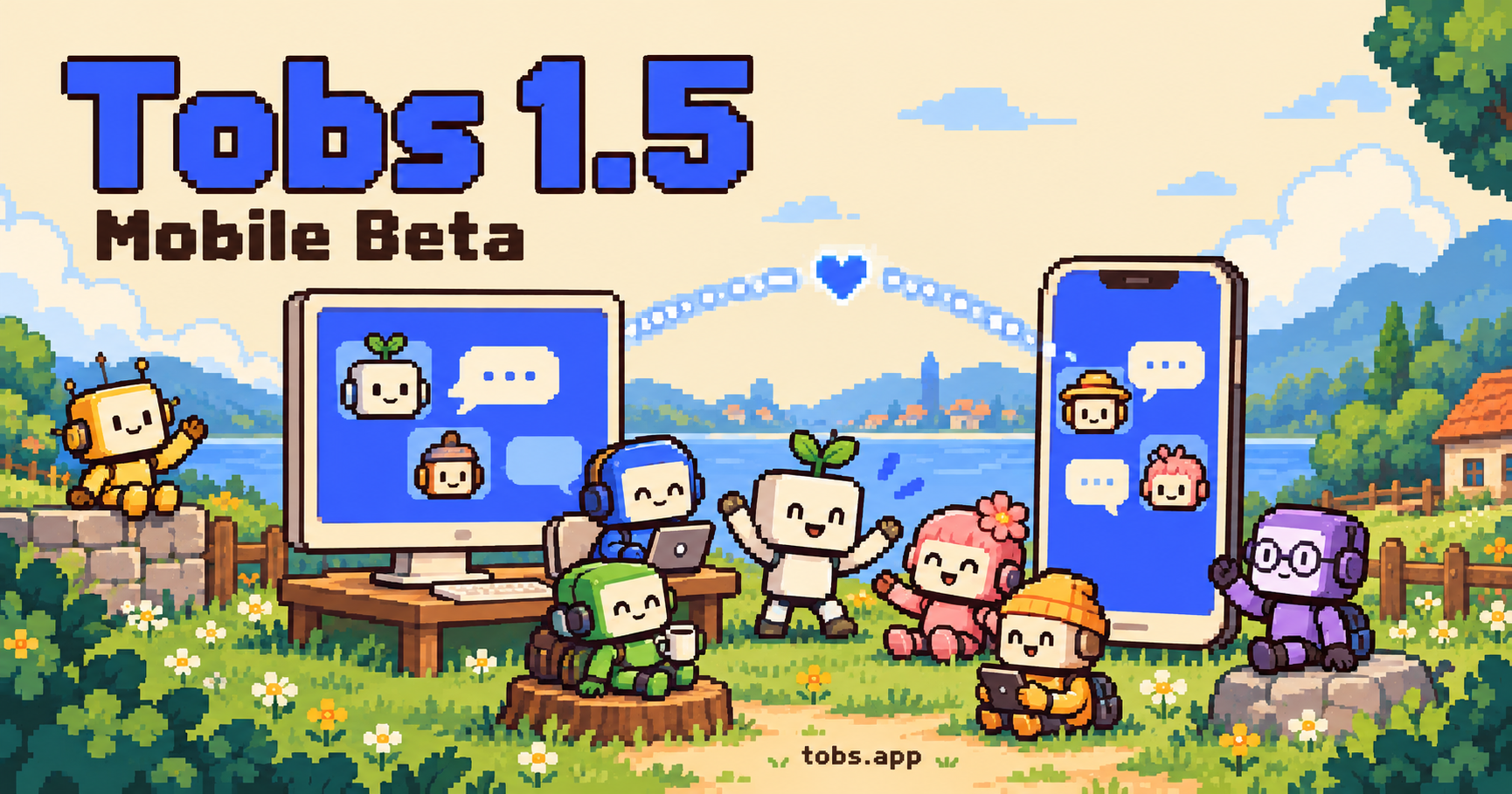
Your Bot team keeps working on your computer. Follow along from your phone with the Tobs mobile Beta: chats, approvals, the Bot Marketplace, and ways to join on iOS and Android.
On this page
The Tobs mobile Beta is open for testing. Your Bots keep working on your computer while you follow conversations, reply to the group and handle requests from your phone.
On iPhone, join through TestFlight. For Android, contact the developer through Discord or QQ group 1125565676, provide your Google Play email, and install after receiving a testing invitation.
One Bot team, on your computer and phone
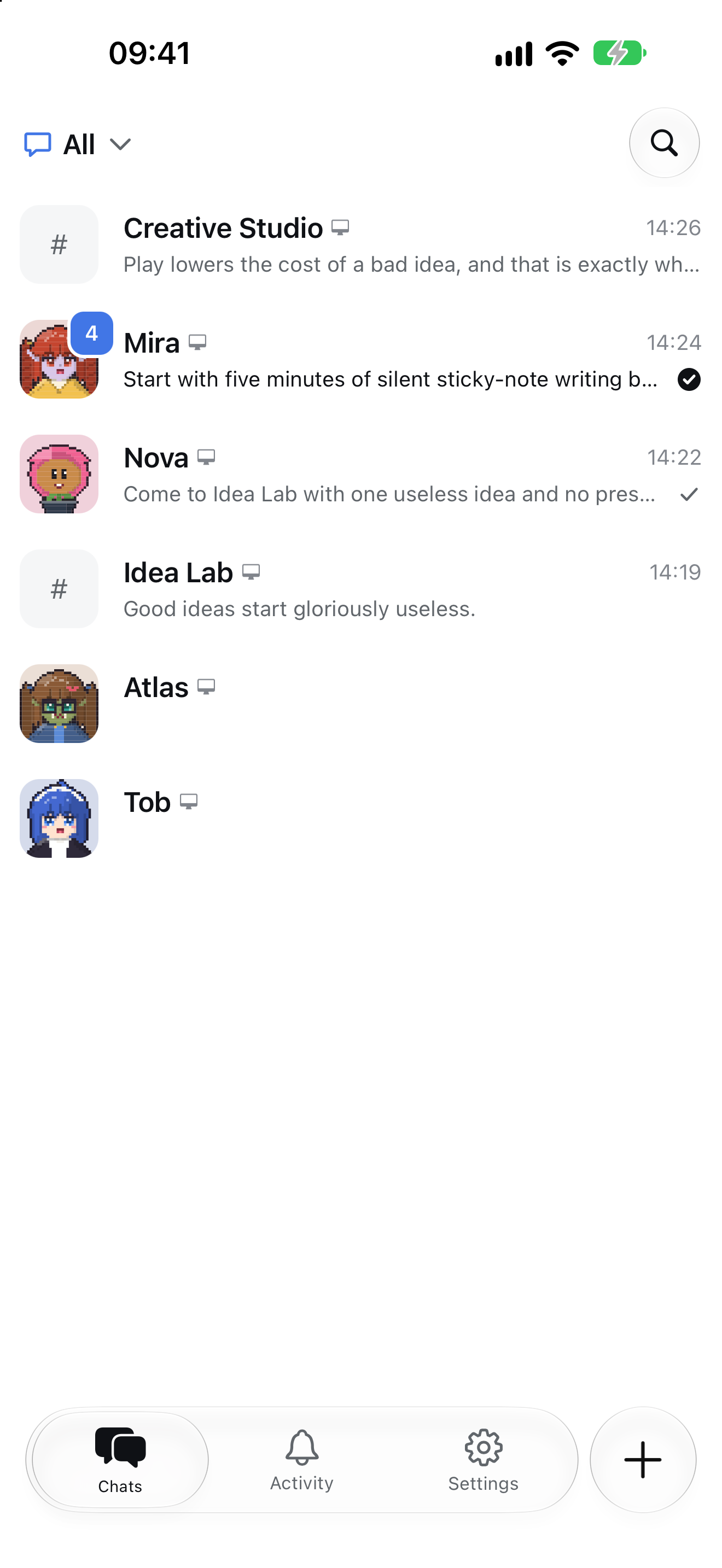
Every Bot in Tobs has a name, persona and Git-backed memory. The mobile app lets you take that team with you: open Chats, find a Bot or group, and continue the existing conversation without copying context into another messaging tool.
Bots still run on a Windows, Linux or macOS host. The phone is a remote control for a computer running DeepSeek Harness and Tobs. Keep that computer awake and online, with the app running.
Keep talking, and make the decisions that need you
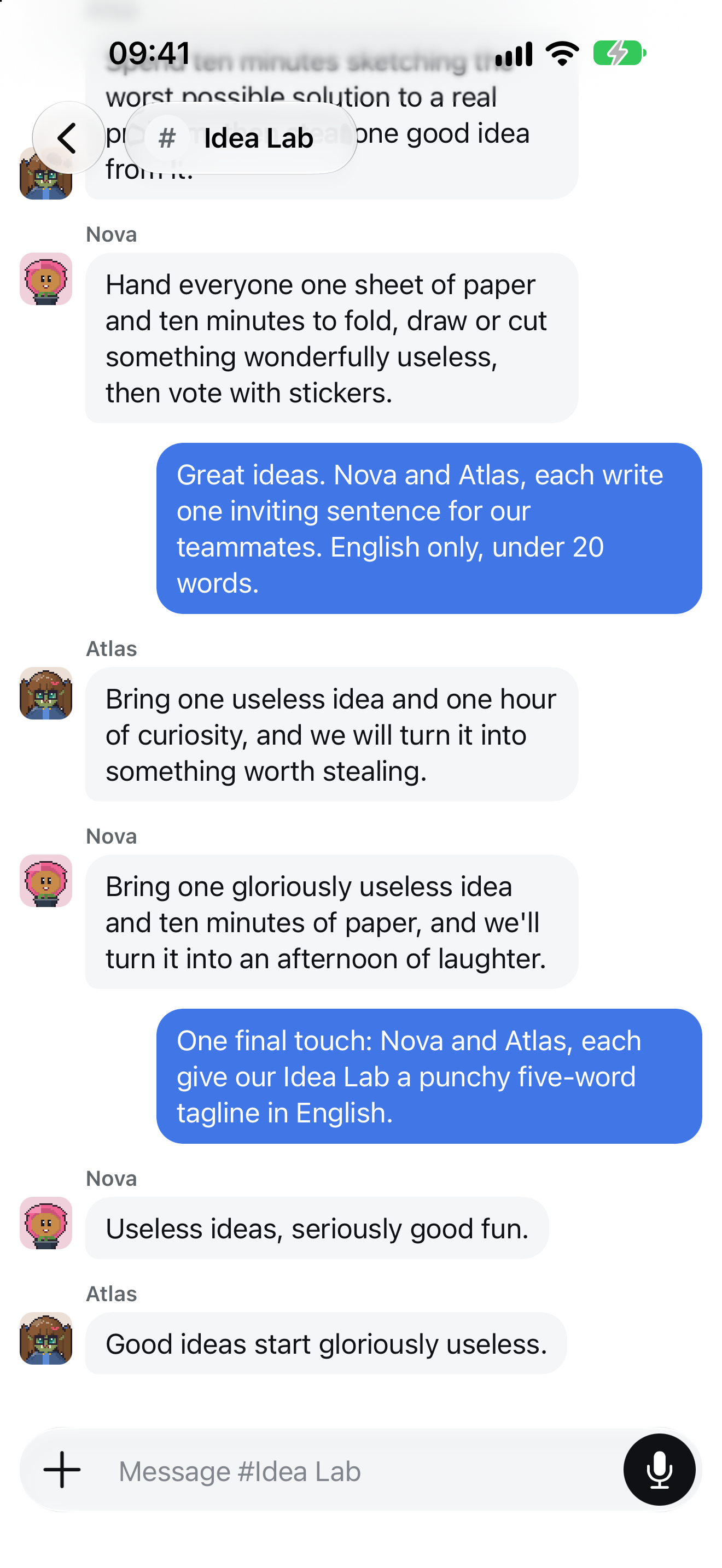
Chat with one Bot or bring several into a group. Replies stream into the conversation, with each Bot keeping its name and avatar.
The Idea Lab screenshots show an actual test conversation: Nova and Atlas suggested activities, then wrote invitations and taglines for the group. These are real model replies, rather than the scripted messages in our website demo.
When an action needs approval, open Activity to review the request, allow it once or reject it. You can also answer questions from a Bot. Notification delivery depends on phone permissions, the installed test build and the computer's connection.
Find your next Bot from your phone
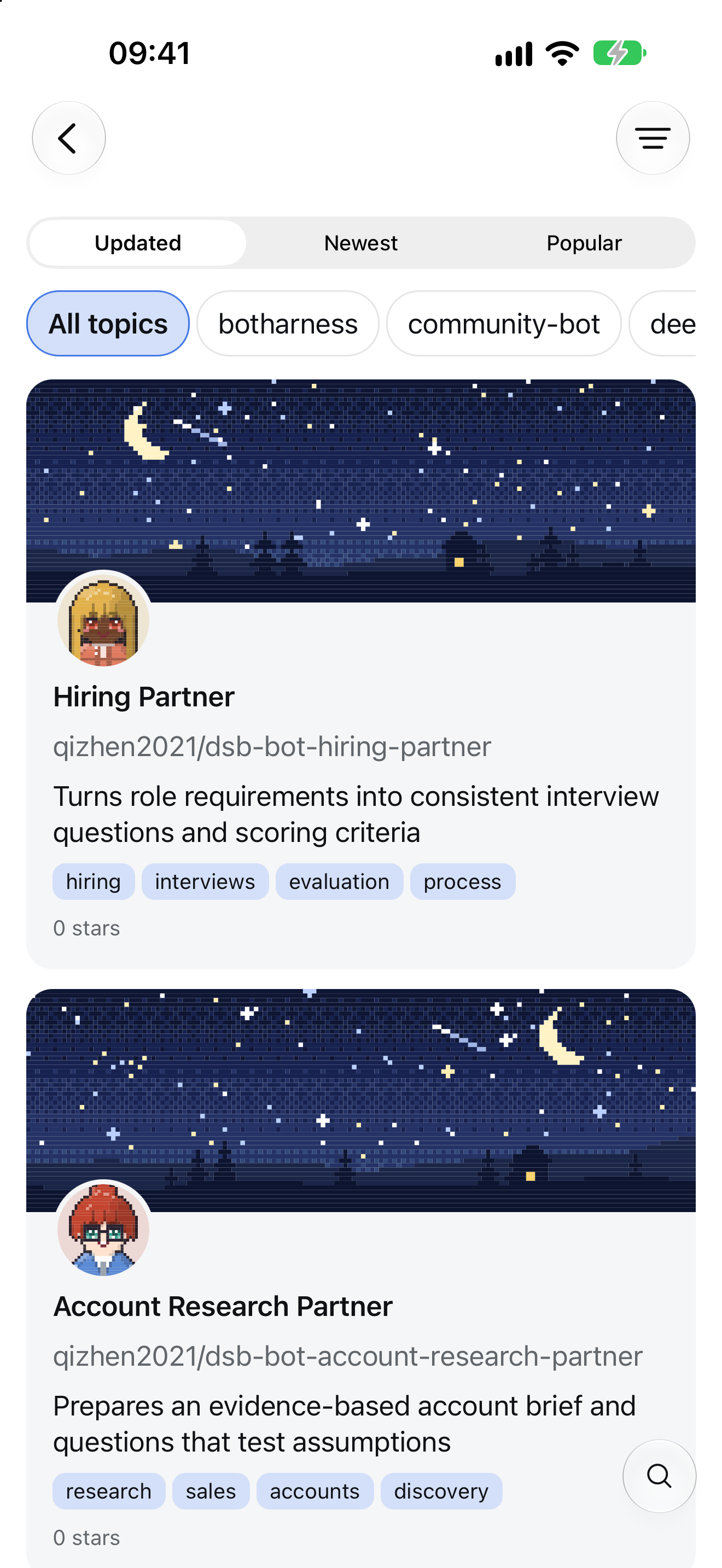
The plus menu in Chats offers four routes: create from scratch, import a Zip, browse the Marketplace, or import a Git link. Marketplace cards show covers, avatars and tags. Search, filter and open a Bot's details, then choose the computer to import it into.
A new name for the 1.5 series
DeepSeekBot is now Tobs: Team of bots, with the ambition of Thousands of Bots. The idea stays the same—a team whose members each have an identity, persona and memory, working together.
The 1.5 series also introduces Connect. Sign in under Settings → Devices on the computer, then use the same account on your phone to connect. Tailscale pairing remains available, and existing pairings can stay in place. You do not need to share a Wi-Fi network. Follow the phone connection guide for setup.
The current stable desktop release is 1.5.2, with DeepSeek Harness 0.2.1-rc.3 recommended. Install @botharness/tobs@1.5.2; the supported deepseekbot compatibility entry remains available. The full changelog also covers Remote Hosts, storage management and chat reliability improvements.
Join the Beta with one small task
- Install and enable Tobs on your computer, configure a model and create a Bot.
- On iPhone, get the TestFlight build. On Android, join Discord or QQ group 1125565676, give the developer your Google Play email and wait for a testing invitation.
- Connect your phone, open an existing Bot and send a message.
Tobs is free software under the MIT license. Model usage and hosting costs are yours. The phone app is an independently versioned Beta, rather than a public App Store or Google Play release; updating the desktop npm package does not update your phone.
The images above are previously captured native iOS 27 Simulator screens, displayed at their original aspect ratio. They show the test UI at capture time; the current Beta may differ. Android has its own Material-style interface. Share your phone OS, app version, reproduction steps and privacy-checked screenshots with the community to help us improve it.